

Check if your MacBook has disk encryption turned on
Last updated: May 14, 2025
1627
views

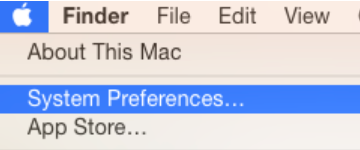
- To check if encryption is enabled on your Mac, first open System Preferences.
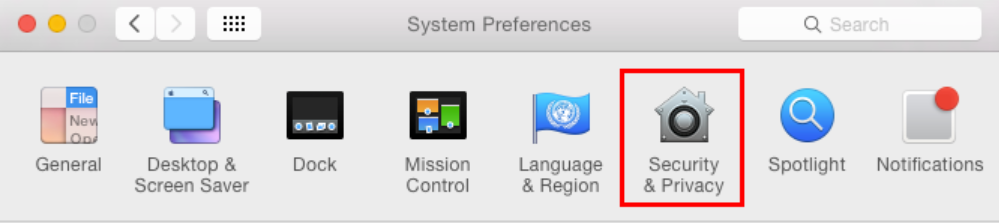
- Then open the Security and Privacy panel.
- Finally, click on the FileVault tab.
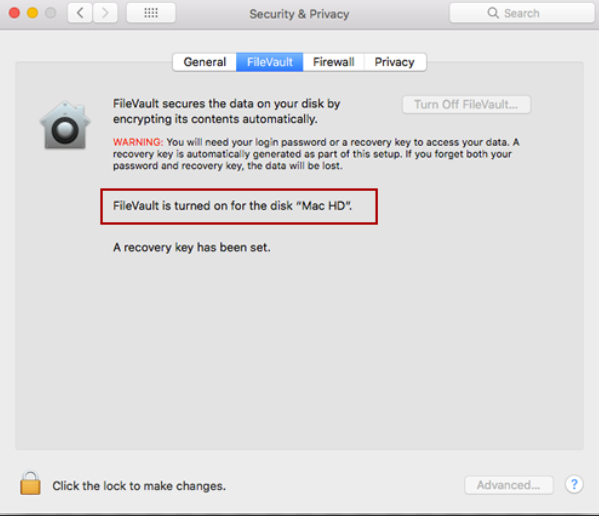
- If it doesn't say turned on, then you need to turn on your disk encryption.

