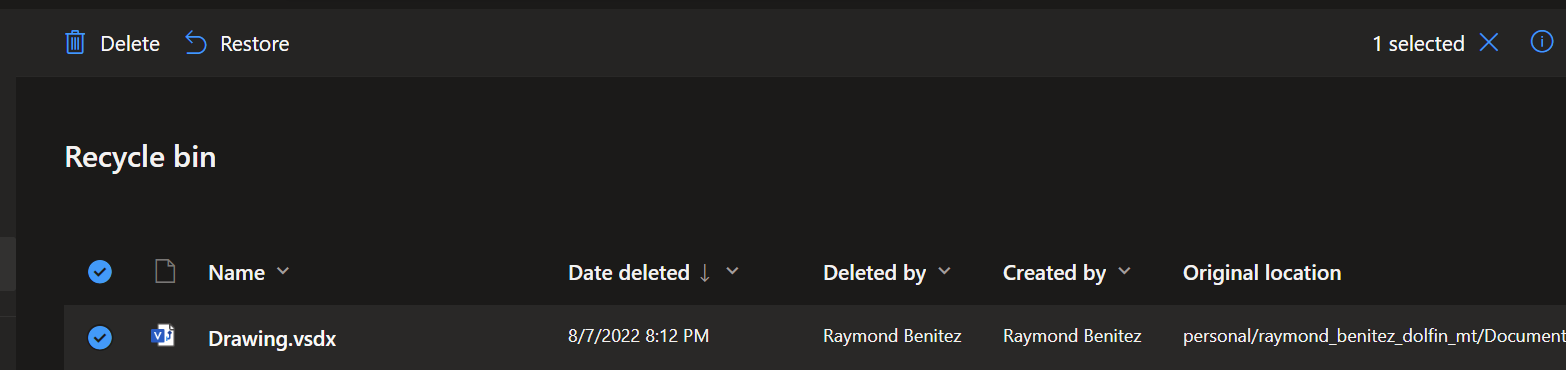
How to restore deleted files on OneDrive
Last updated: May 14, 2025
1536
views

- Go to office.com
- Press the icon on the top left side
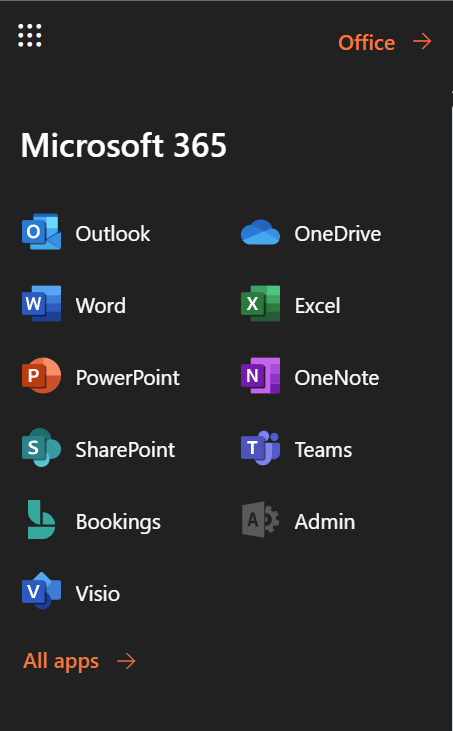
- Once opened, press OneDrive
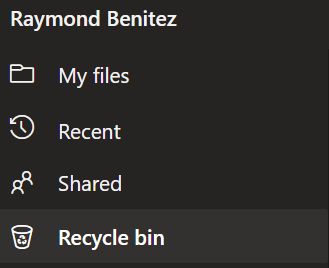
- In the navigation pane, select Recycle bin.
- Select the files or folders you want to restore by pointing to each item and clicking the circle check box that appears, and then click Restore.